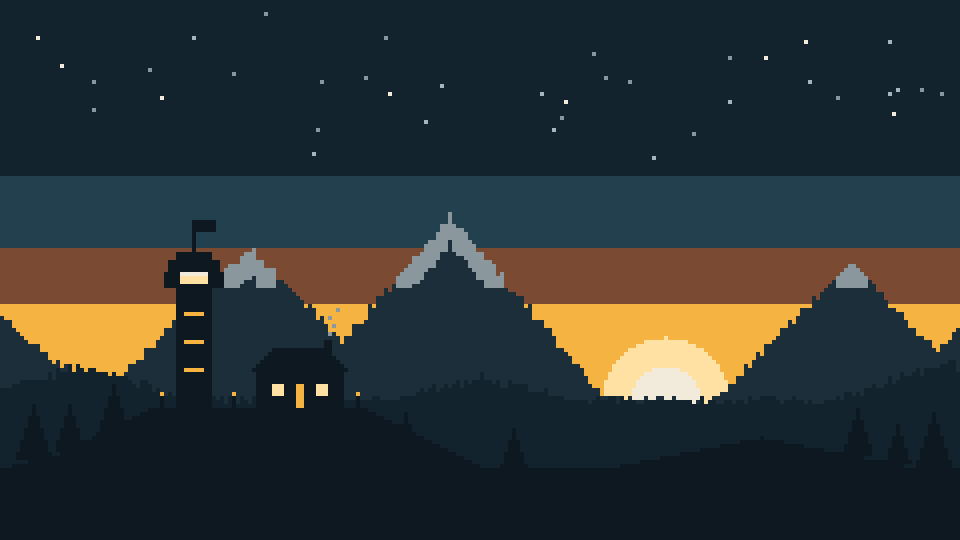
A friends-only survival server
The Outpost
Plain Minecraft with a few safety nets. Your stuff waits in a grave when you die, spawn is protected, and griefing gets rolled back. Nothing to install.
- Java 26.3
- No mods needed
- Survival · Normal
- PvP on
- Invite only
Server address
play.theoutpost.party
Invite only. Email Azarlene a whitelist request before your first join.
01 · Join
Join in three steps
Takes a couple of minutes, and you only do it once.
-
Request a whitelist spot
Email Azarlene with your exact Java Edition name and who you know on the server. On Discord? Add your Discord username too and you'll get an invite to the Outpost Discord. It's optional, and Discord is 13+.
[email protected] -
Understand the rules
Read the house rules before you join. Playing here means you agree to them.
Read the rules -
Add the server
Multiplayer → Add Server, type the address, then Done → Join.
play.theoutpost.party
Under 13? A parent needs to allow multiplayer for your Microsoft account in Family Safety (Xbox family settings). Without it, Minecraft won't let you join any server.
02 · What's on
Vanilla, plus a few safety nets
It plays like normal survival. All of this runs on the server, so there's nothing for you to install.
-
Graves keep your stuff
When you die, your items go into a grave right where you fell. Only you can open it.
-
Safe spawn
Spawn is protected. Nobody can build, break or fight there, so it's always a safe place to land.
-
PvP is on, except at spawn
You can fight other players out in the world. Spawn is a no-PvP zone.
-
One bed skips the night
Only one person has to sleep. Nobody waits around for everyone to find a bed.
-
Griefing gets undone
Every block placed or broken and every chest opened is logged, and can be rolled back.
-
Backed up every 6 hours
Automatic backups while people are playing, plus copies kept off the server.
In-game leaderboards
Updated live in the game. Check them any time you're on.
- Player kills
- Under each player's name
- Diamonds mined
- Hold Tab to see the list
03 · Changes
What's different from vanilla
Everything here runs on the server, so plain Minecraft 26.3 is still all you need. The same list is in the Outpost Guide book: read it on the lectern at spawn, or type /trigger guide for your own copy.
Trees fall in one chop
Chop the bottom log with an axe and the whole tree comes down. Sneak while chopping to take just one log.
Leaves clear fast
After a tree comes down, its leaves decay in seconds instead of minutes.
No x-ray
The server hides ores you can't see. X-ray packs and mods only show fake ores.
Mob heads
Many more mobs can drop their heads when you kill them. Rarer mobs drop them more often.
Player heads
Kill a player and they drop their head. A trophy for the wall.
Name colors
Type
/trigger colorand click a color in chat to change your name color. Click reset to go back to normal.Better tools
Blocks with no proper tool now have one: pickaxe for glass, glowstone, sea lanterns and mob heads; axe for cactus, beds and candles; hoe for carpets; shovel for cake. Glass still needs Silk Touch to drop.
Confetti creepers
Some creepers burst into harmless confetti instead of exploding.
XP bottling
Right-click an enchanting table with an empty bottle to store some of your XP in it. Smelt the bottle in a furnace to get all of that XP back.
Armored elytra
Combine an elytra and a chestplate at an anvil, so you can fly with armor on. Split them again at a grindstone.
Chat formatting
Use **bold** and *italic* in chat. Links are clickable, so only share safe ones.
Sit down
Right-click a stair, slab or carpet to sit on it.
New recipes
- Stairs and slabs back into full blocks
- Rotten flesh into leather
- Wool into string
- Nether wart blocks back into nether wart
- Enchanted golden apples: an apple surrounded by 8 gold blocks
Change log
- 2026-10-07Server opens: graves, safe spawn, PvP outside spawn, one-bed nights, block logging, backups, leaderboards.
- 2026-10-08Falling trees, fast leaves, no x-ray, chat formatting, sitting, mob and player heads, name colors, better tools, confetti creepers, XP bottling, armored elytra, new recipes.
Optional
The Outpost client pack
Want the far views, shaders and richer sound Azarlene plays with? The Outpost client pack sets it all up in one click. It's never required: players without it play exactly the same game, on the same server.
- Far viewsSee mountains and builds far past normal render distance (Distant Horizons).
- ShadersSunsets, water and lighting from Complementary shaders.
- Richer soundCave echoes, biome ambience and footsteps that match the ground.
- Little touchesFalling leaves, extra particles, 3D skins and better animations.
How to get it
- Install the free Modrinth App from modrinth.com/app.
- Get the pack file: it's pinned in #client-mods on the Discord, or email Azarlene for it.
- In the Modrinth App, open the
.mrpackfile, then give the instance 6–8 GB of memory in its settings.
Shaders need a strong graphics card. If it runs slowly, turn shaders off under Options → Video Settings → Shader Packs.
04 · Rules
House rules
Short list. Younger players are on here too, so keep it friendly.
- Be kind in chat. No bullying and no mean jokes about people.
- Don't grief or steal. Every block and chest is logged, so it gets found and rolled back.
- Give people space. Ask before building right next to someone's base.
- No cheats. No hacked clients, x-ray or duping.
- Shared builds are shared. Spawn and community builds belong to everyone.
05 · Help
Can't connect?
Find the message you see on screen.
You are not white-listed on this server
Your name has to match exactly. Send Azarlene the name shown in the Minecraft Launcher, then try again.
Incompatible client
You're on the wrong version. In the Launcher, open Installations, make a new one on 26.3, and play that.
Multiplayer is disabled
A parent needs to allow multiplayer for your account in Microsoft Family Safety.
Unknown host
Check the spelling: play.theoutpost.party. If it's right, fully quit Minecraft and open it again.
Do I need any mods?
No, never. Plain Minecraft 26.3 works. For far views, shaders and better sound, try the optional Outpost client pack (see Changes).